







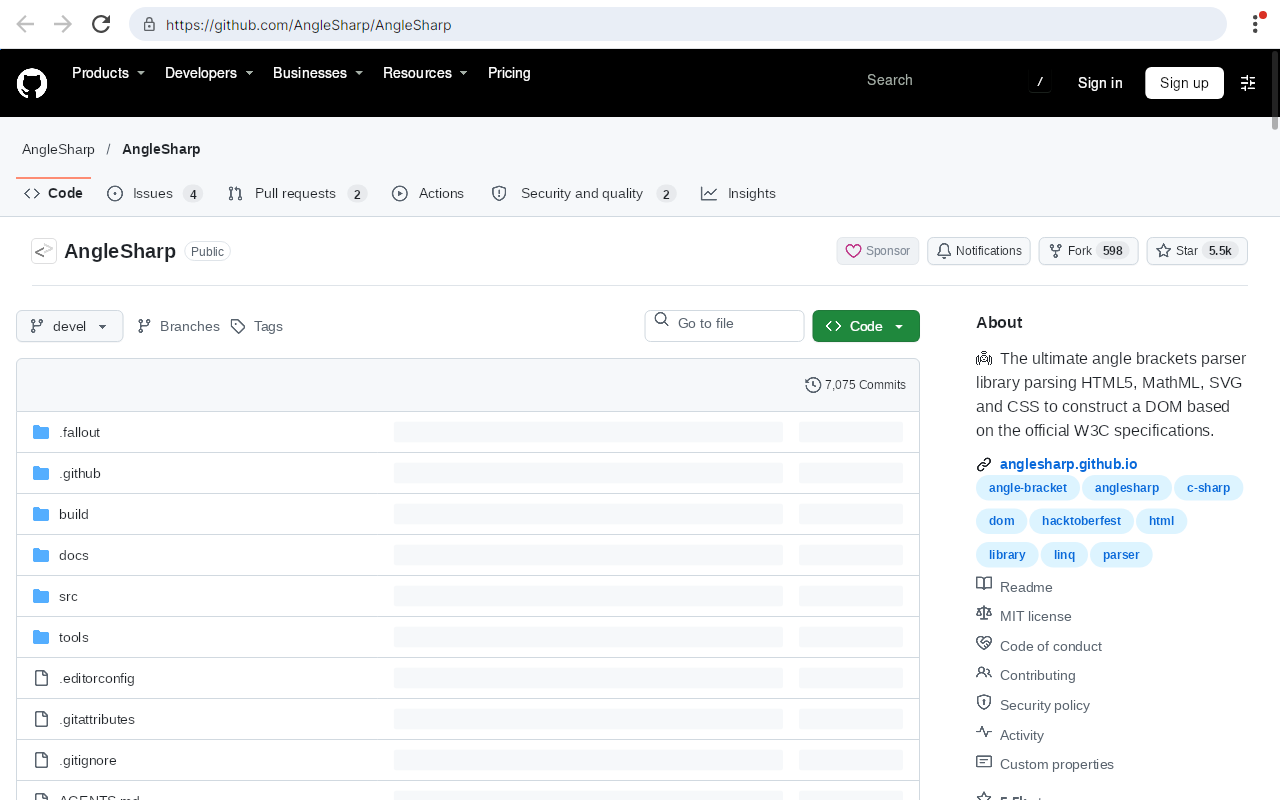
AngleSharp.Browser brings everything from the AngleSharp ecosystem together in a set of packages that can either be a rendering (visible) browser; in form of a re-usable component.
| Package | Description |
|---|---|
| AngleSharp.Browser | A UI-agnostic BrowserEngine wiring up AngleSharp, AngleSharp.Css, AngleSharp.Js, AngleSharp.Io and AngleSharp.Renderer. It navigates (with back / forward history), paints the current document and translates pointer, wheel and keyboard input into DOM interactions (hover, links, forms, focus, text entry, scrolling). |
| AngleSharp.Browser.Avalonia | A ready to use BrowserView control for showing web pages in Avalonia applications. |
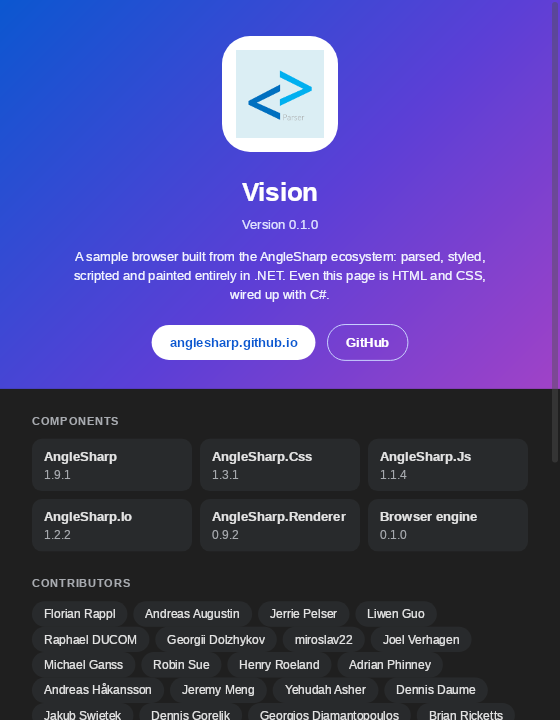
The repository also contains Vision, a sample browser showing how the packages are used.
Rendering quality and speed are bound by AngleSharp.Renderer, which is still an early layout engine.
dotnet add package AngleSharp.Browser.Avalonia<Window xmlns="https://github.com/avaloniaui"
xmlns:browser="using:AngleSharp.Browser.Avalonia">
<browser:BrowserView Source="https://example.org" />
</Window>dotnet add package AngleSharp.Browserusing var engine = new BrowserEngine(new BrowserOptions
{
ProfileDirectory = null, // keep everything in memory
ViewportWidth = 1280,
ViewportHeight = 800,
});
await engine.NavigateAsync("https://example.org");
await engine.ClickAsync(40, 390);
var image = await engine.PaintAsync();
await File.WriteAllBytesAsync("page.png", image!.Data);The docs cover the engine, rendering, input, configuration, the Avalonia control, and have a collection of examples.
Vision is the sample browser of this repository: a proof of concept, not a product. Run it (optionally with a start address) from a clone:
dotnet run --project src/Vision -- https://example.orgCookies, web storage and the HTTP cache are persisted in a profile directory (by default in the local application data folder). Use --profile <directory> to pick another one or --in-memory to persist nothing.
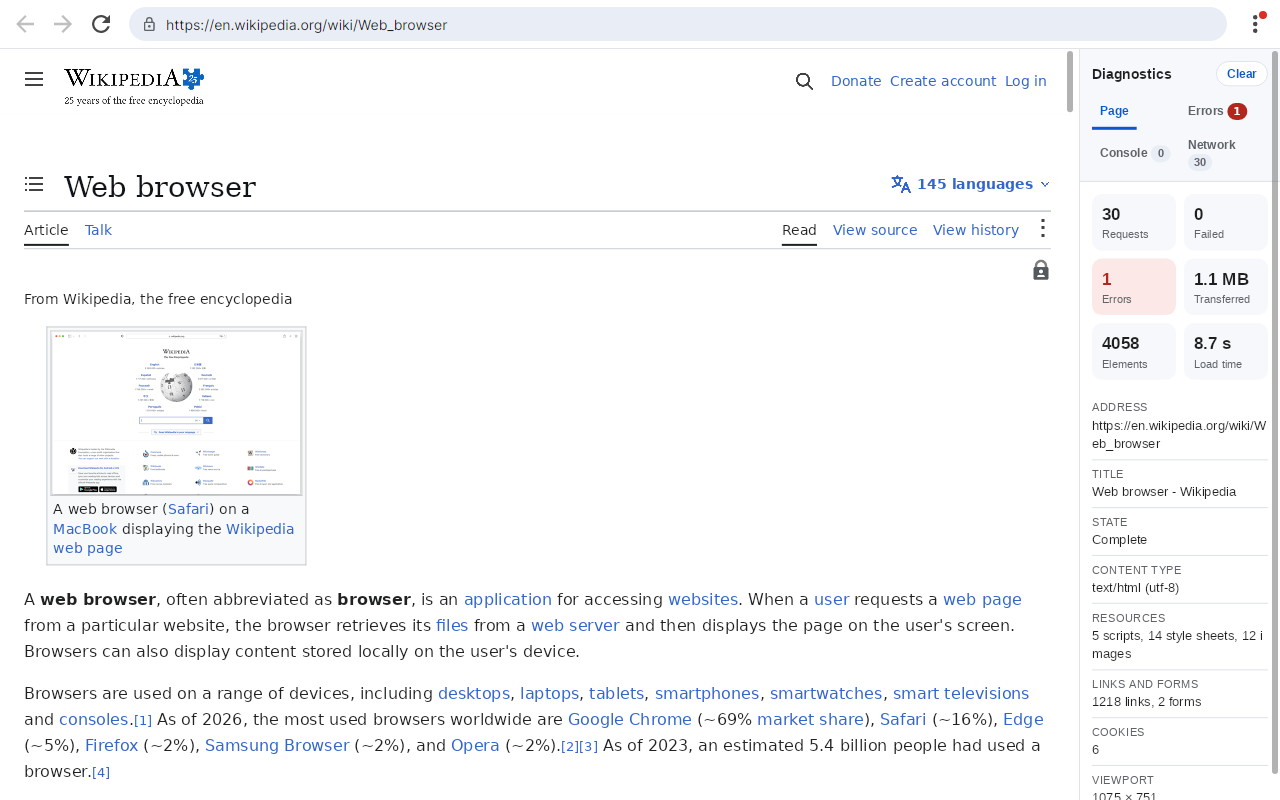
The diagnostics show what a page did; they are HTML and CSS rendered by a second BrowserView, like the rest of Vision's own UI:
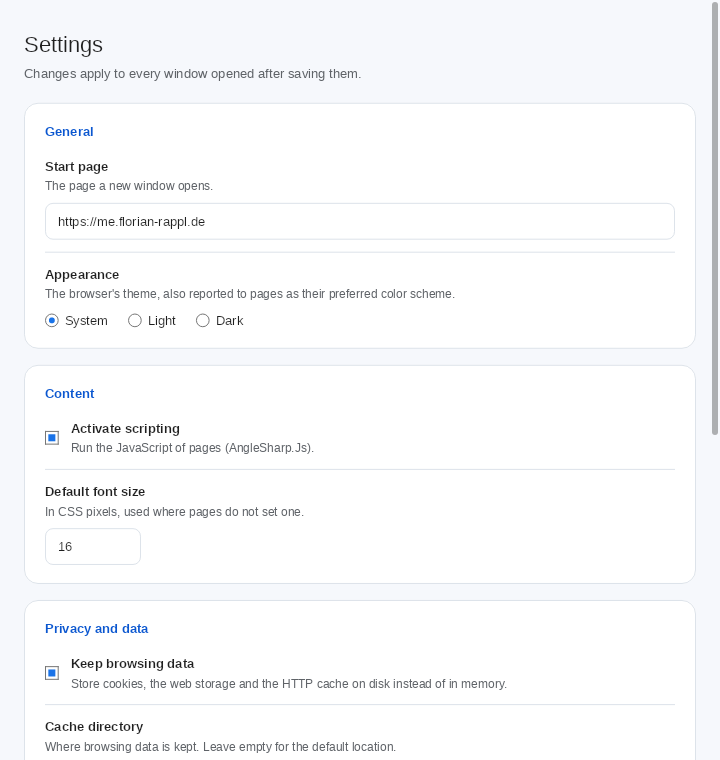
| Settings | About |
|---|---|
 |
 |
This project is supported by the .NET Foundation.
AngleSharp.Browser is released using the MIT license. For more information see the license file.